Clocks for LCD picture frame
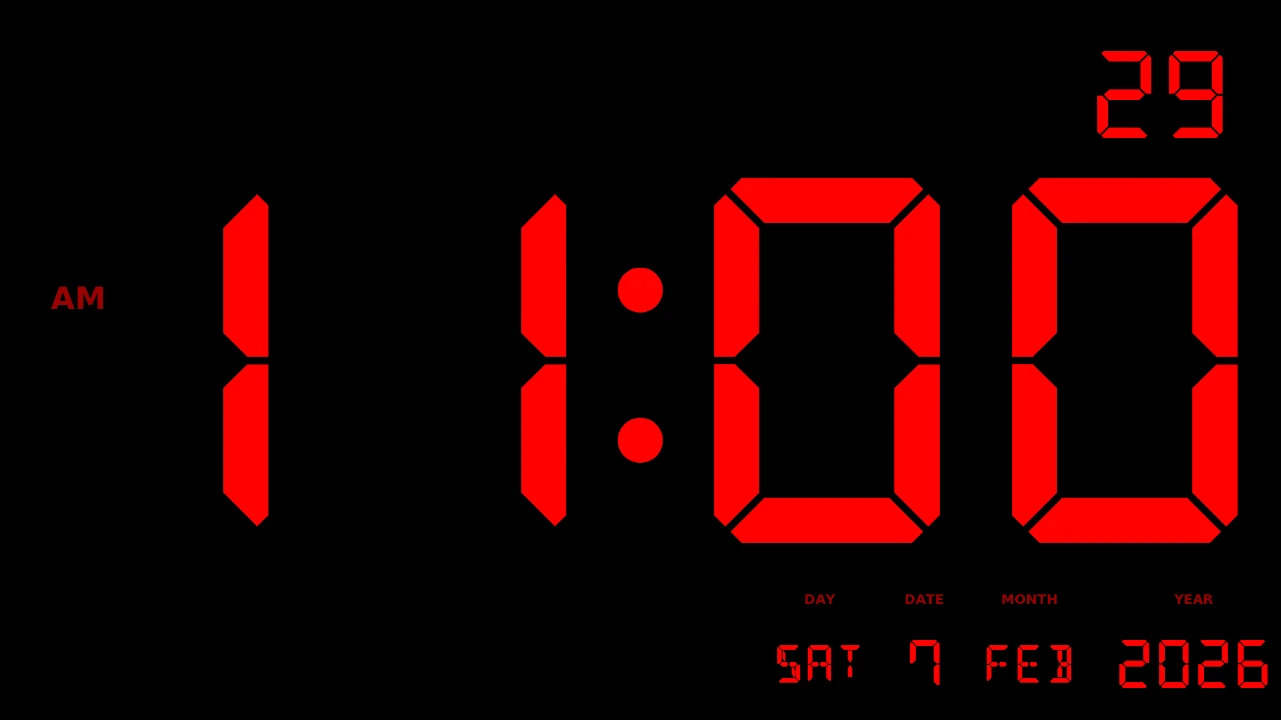
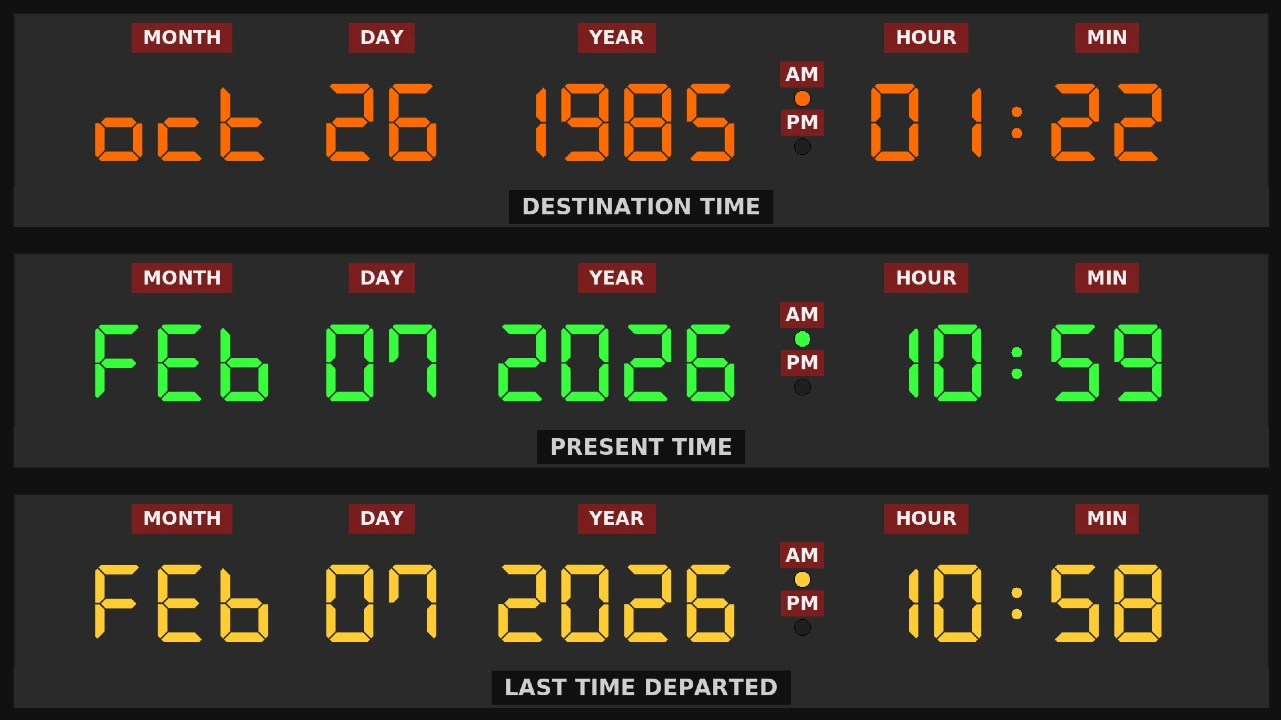
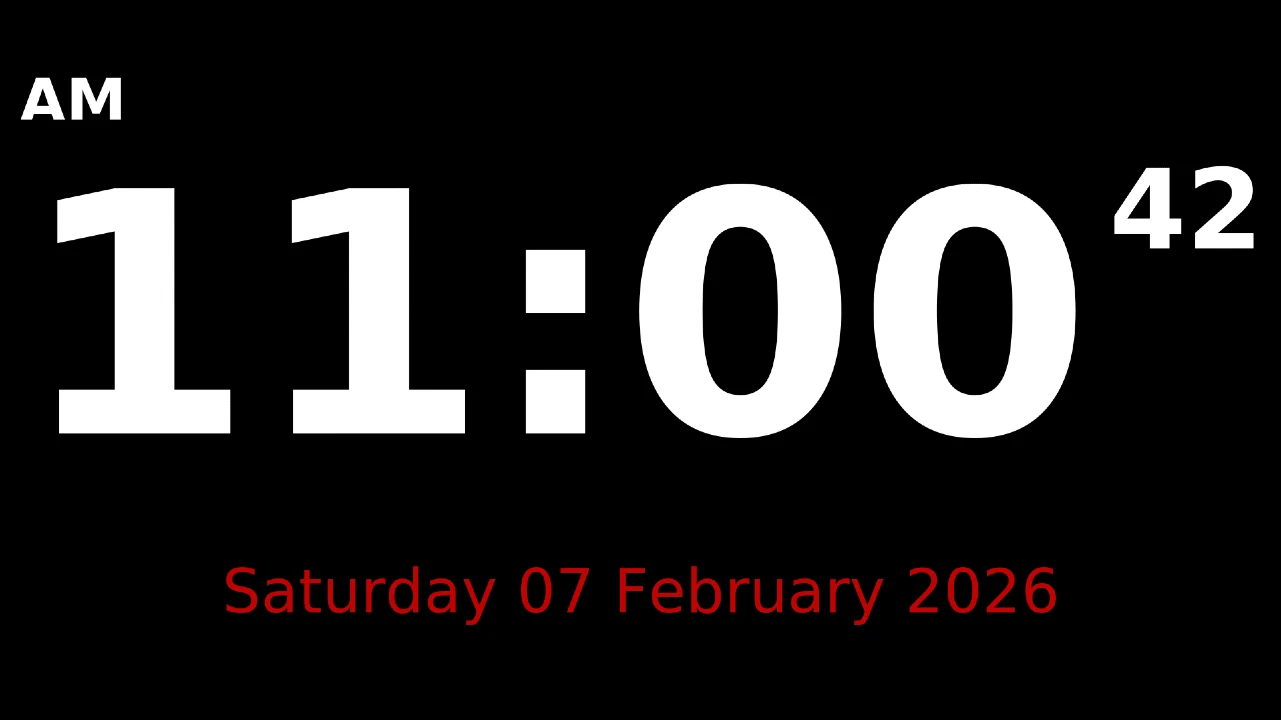
|
These are a few clocks written in Python for, intended for the LCD picture frame but could be used anywhere. |
Getting StartedI'm going to assume you are using a Raspberry Pi/Linux for this. It should work in Windows, but have not tried it. For me personally, used Windows for many years, but its been a disapointment since Windows 10. This will install Python, Tkinter and the required digital style font. Download the python files here To run a clock in the console, for example type: That is more or less it. To exit the clock, either right click on it, or press escape. It would appear as of writing this, the time machine clock is going to have problems in May as that font can't interpret the letter M. I will fix this in due course and update this page when its done.
|
← Back to Projects